
Feature Release Timeline
Explore the release history of Objective Connect
Restrict collaboration to trusted partners only
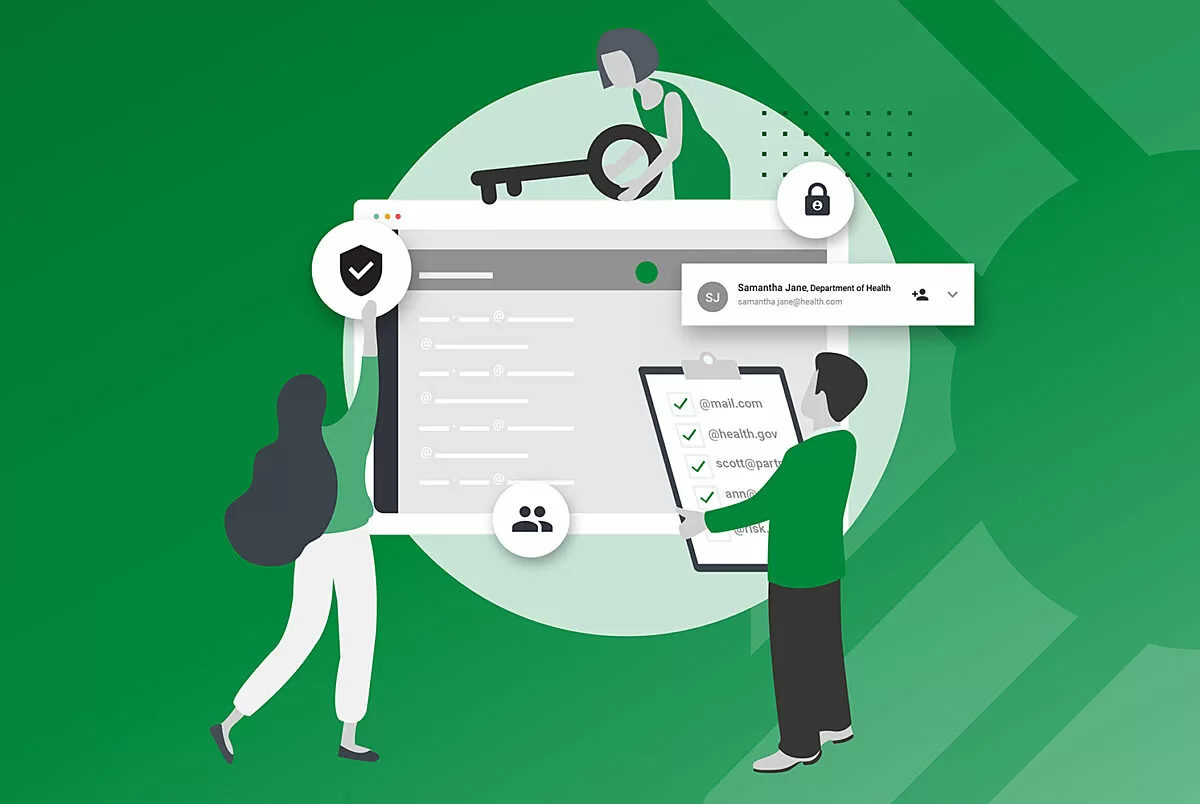
Define an allow list of domains and email addresses
Mitigate the insider threat risk by defining an allow list of trusted participants.
Learn MoreAccess Documents that Failed to Scan
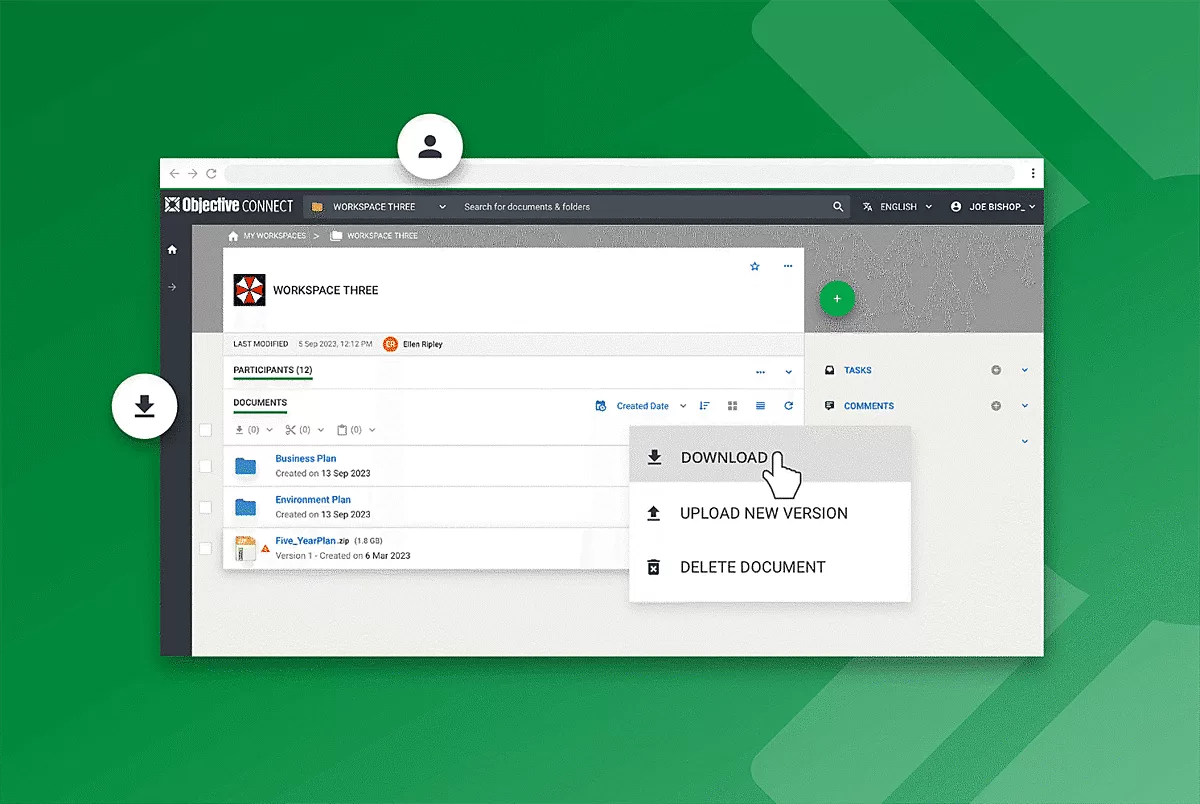
Need access to documents that have failed to scan?
Users now decide if they trust the source of documents and can now download when they need them.
Learn MoreLaunch of Welsh language
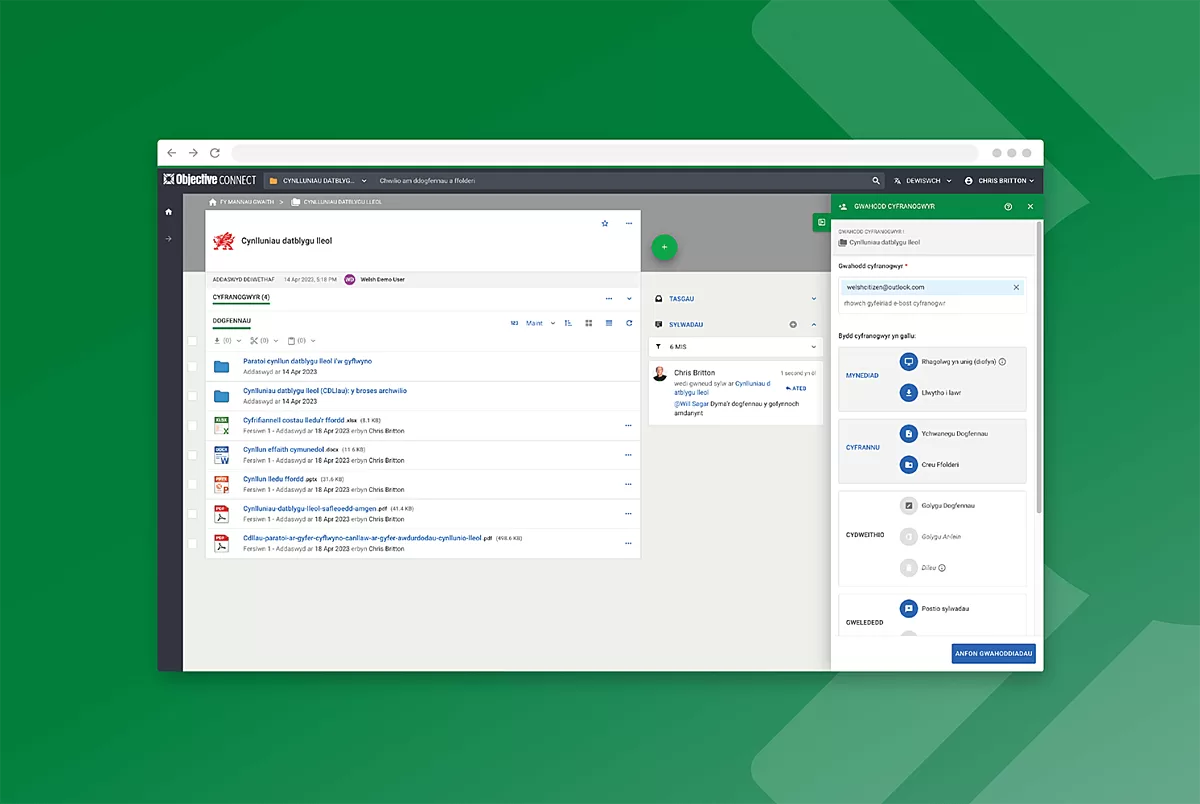
Improve accessibility and promote Cymraeg and culture
Aligned with the Welsh Government's commitment to promoting the Welsh language and culture and ensuring that Welsh-speaking citizens can access government services in Welsh, Objective Connect can now offer a bi-lingual service.
Learn MoreIntroducing Multi-Language Support for te reo Māori

Introducing Multi-Language Support
Empowering users to access information in their preferred language.
Learn MoreWhat's New Webinar Series

On Demand: What's New Webinar - December 2022
Get the most out of Objective Connect by adopting the latest features including Account MFA and Multi-Language Support
Learn MoreAccount MFA

Take Objective Connect security to the next level
Learn how users can adopt mobile authentication to securely access their account.
Learn MoreWorkgroup Customisation

Build trust. Customise workspaces with your brand
Tailor your workspace to reflect your project, department or organisation’s identity that external participants know and trust.
Learn MoreExternal Link Assets

Manage external web links just like any other asset
Keep the workspace a central control centre to manage all types of content for any process or project.
Learn MoreWhat's New Webinar Series

On Demand: What's New Webinar - April 2022
Featuring the recent releases including Connection Allocation, UI and Public API enhancements.
Learn MorePublic API Enhancements

Giving admins' more options to streamline workflows
Blacklist, evict and capture user domains instantly with the latest Public API capabilities.
Learn MoreConnection Allocation

UI Enhancements

Locate participants, files and comments faster
Find who or what document you need for a quick update in just a few clicks.
Learn MoreWhat's New Webinar Series

On Demand: What's New Webinar - September 2021
Featuring the recent releases including Workspace Manager, Two Step Verification Plus and Admin Insights.
Learn MoreAdmin Insights

Account data at your fingertips
Easily access critical insights that provide a complete view on usage, trends and anomalies across your entire account.
Two Step Verification Plus

Greater control with enhanced usability
Enforce Two Step Verification to further secure those highly sensitive workspaces without sacrificing usability for provisioned users.
Learn MoreWorkspace Manager

Keep the ball rolling on time critical projects
Delegate workspace operations to trusted members with the all-new Manage Ability.
Learn MoreWhat's New Webinar Series
On Demand: What's New Webinar - May 2021
Featuring the recent product releases including 10GB File Upload, Document and Workspace Title Search.
Learn More10GB File Uploads

Securely share files of up to 10GB
Protect an even bigger range of files, formats and applications when collaborating outside your four walls with a 10GB file upload size limit.
Learn MoreDocument and Workspace Title Search

Rapidly locate and review critical content with ease
Efficiently locate documents across large content sets throughout multiple workspaces.
Learn MoreWhat's New Series
On Demand: What's New Webinar - March 2021
Featuring recent releases including Single Sign-On and Two-Step Verification.
Learn MoreSingle Sign-On

Reduce risk and strengthen identity protection
Enable participants to use the same, single set of credentials to access Objective Connect.
Learn MoreEmail Address Management

Streamline updates to email addresses within Objective Connect
Bulk update members' domain name and easily modify individual usernames.
Learn MoreWorkspace Favourites

A simpler way to prioritise
Mark your critical workspace(s) as a 'Favourite' to easily locate and receive instant alerts when activity occurs.
Learn MoreWorkspace Activity View
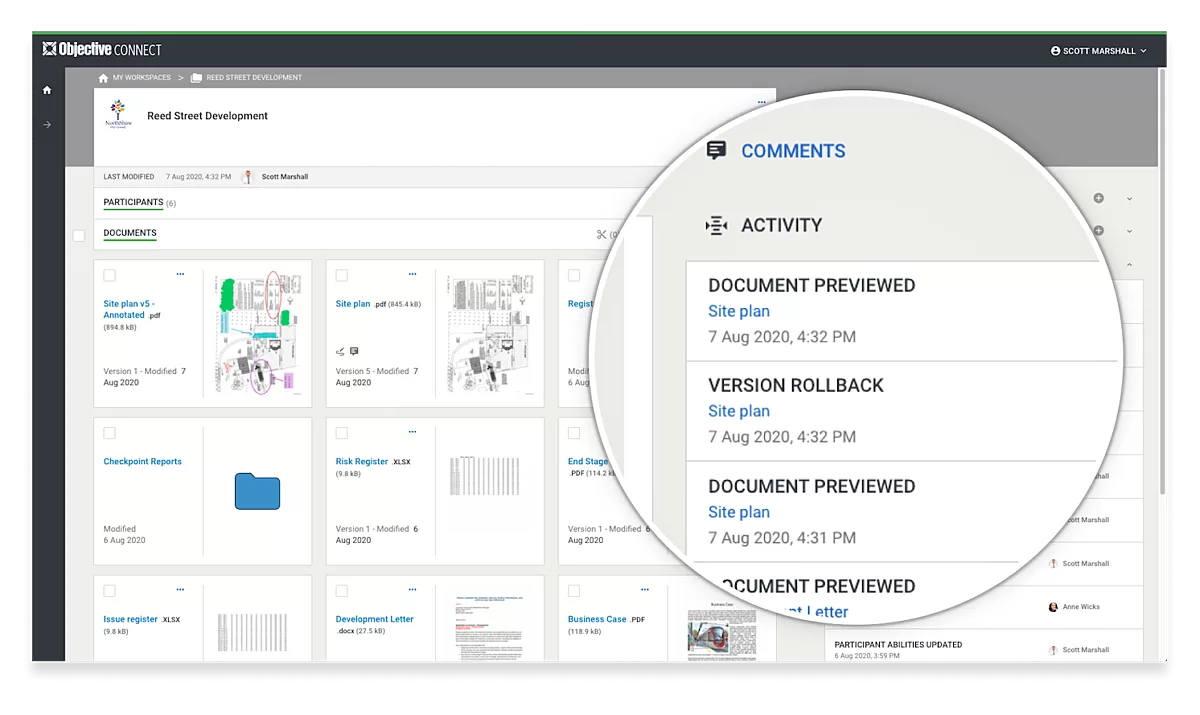
Same Protection. Faster insights.
Immediately view workspace activity on screen throughout the collaboration event.
Learn MoreTwo-Step Verification

Protect your most sensitive information
Add an extra layer of security and certainty with a one-time access code each time an authorised participant wants to access workspace content.
Learn MoreSecure Online Edit with Microsoft 365

Gated co-authoring that denies download, print and share functions
Give your external participants the ability to co-author a document online without the need to download a local copy.
Learn MoreAnnotations

Share your thoughts on any document
Simplify the way you collaborate by adding annotations to any document within your workspaces.
Learn MoreBulk Download

Sharing large numbers of files just got easier
Select two or more documents and download them in a single click.
Learn More